
Lettering that sews like it was hand-punched
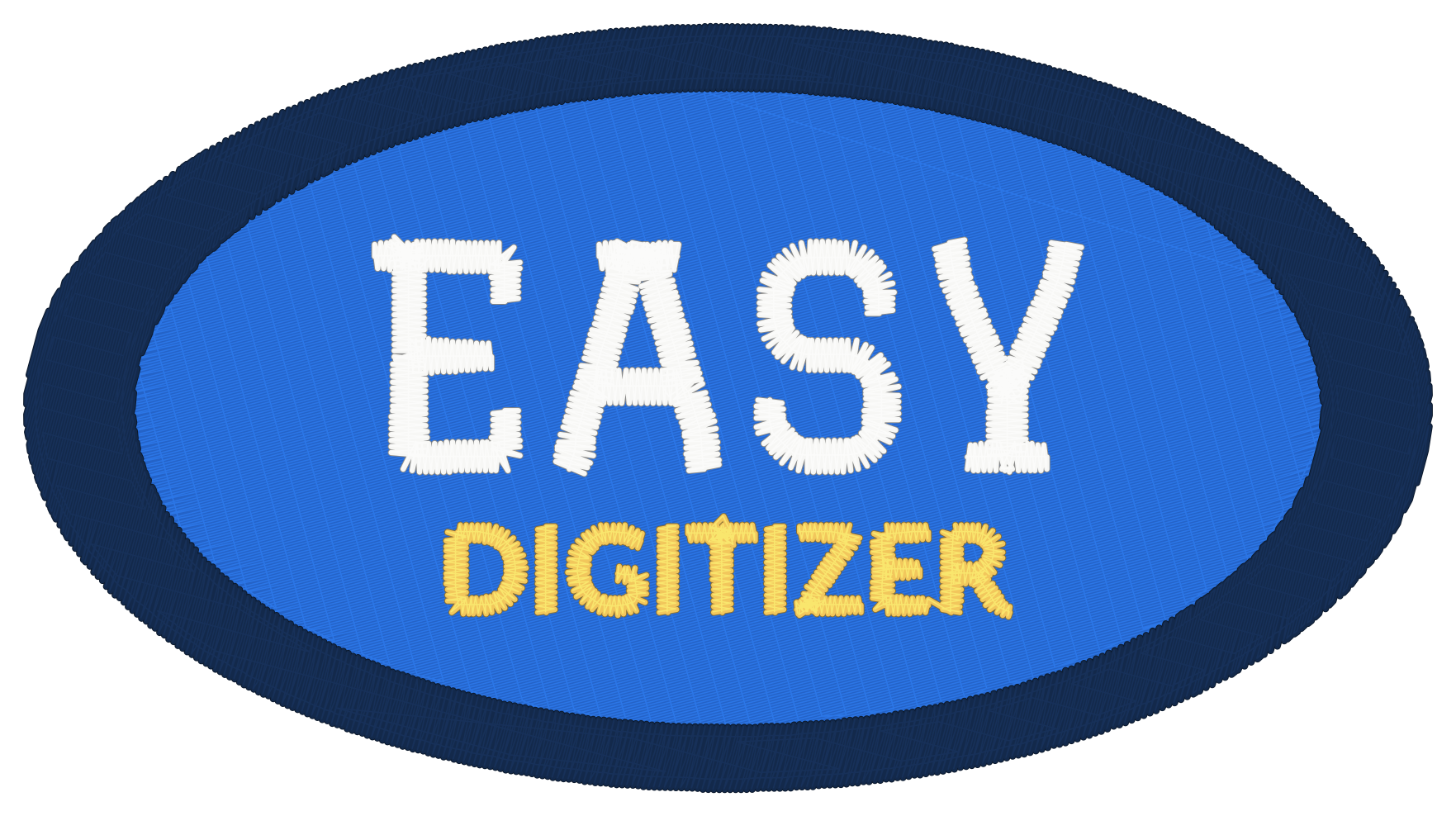
Text and line art become variable-width satin strokes that turn with the letterform, sewn so letters don't need internal trims.
7-day free trial · runs in your browser
Drop in your artwork, pick the garment, and EasyDigitizer builds fills, satin lettering, underlay and sequencing the way a hand digitizer would — then saves DST, TAP, PES or EXP, or sends it straight to your machine.
7 days free, then $49/month — or $32/month billed yearly. No install. Your artwork stays on your computer.
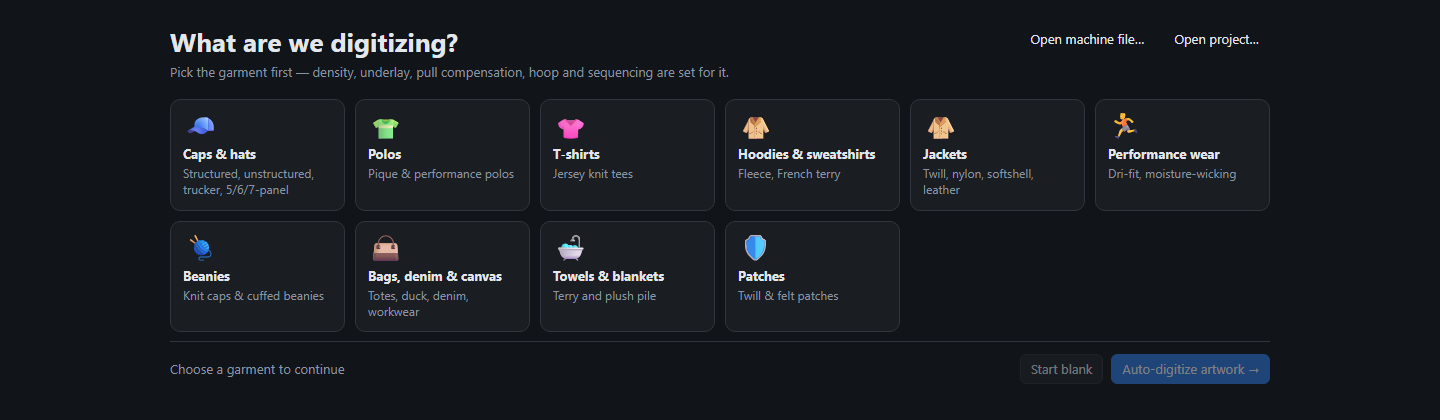
Caps, polos, tees, hoodies, jackets, beanies, bags, towels or patches. Density, underlay, pull compensation, hoop and sequencing are set for that fabric.
Colours are reduced and matched to thread, shapes are traced, and every part becomes the right stitch type: tatami fills, satin columns, running lines.
Watch the stitch-out play back, look at the realistic preview, then export or send the file to a USB stick or your machine's network folder.
Text and line art become variable-width satin strokes that turn with the letterform, sewn so letters don't need internal trims.
Tatami with staggered rows, underlay matched to the column width, edge tuck-under between colours, and knockdown for towels and fleece.
Profiles for structured, unstructured, low-profile and 5/6/7-panel caps. Centre-out, bottom-up sequencing and centre-seam handling are built in.
Six pre-digitized fonts — block, sans, serif and script — sewn needle for needle at 4–20 mm, with pair kerning.
Design, stitch and realistic views, a stitch-out player, run-time and thread estimates, and a printable production worksheet.
Fill, satin, running, appliqué and text tools, node editing, colour sequence, resize that keeps density, and thread-colour matching.
Install it from your browser like an app. Once it's loaded, it keeps working without an internet connection.
Digitizing happens on your computer. Artwork and designs are never uploaded to a server.
Writes DST, TAP, PES and EXP, and opens DST, TAP, PES/PEC and EXP files. Save a profile per machine and send finished files to a USB stick or a network / Wi-Fi folder in one click (Chrome or Edge).
Janome (JEF) and Viking/Pfaff (VP3) formats are on the way.
Try every feature free for 7 days, then pick monthly or yearly. Cancel anytime.
No. It runs in your web browser — Chrome or Edge recommended. You can also install it from the address bar so it opens like a desktop app and works offline.
No. All digitizing happens in your browser on your own computer. There's no account and no server that sees your files.
If your machine reads DST, TAP, PES or EXP — which covers Happy, Tajima, Barudan, SWF, Ricoma, Melco, ZSK, Brother, Baby Lock and Bernina — yes. Sending straight to a USB stick or network folder needs Chrome or Edge; otherwise just download the file.
Density, satin spacing, underlay, locks and trims were calibrated against real production files and hand-digitized lettering. Every design can still be edited by hand — and as with any digitizing, sew a test piece before a production run.
You get every feature for 7 days. Keep going with the monthly plan ($49/month) or save 35% with the yearly plan ($384/year, which works out to $32/month). Cancel anytime. Files you've already made are normal embroidery files on your computer and keep working.
Yes — DST, TAP, PES/PEC and EXP files open for viewing, stitch playback and re-export to another format.